To start RDP, SSH or web sessions under resource local accounts, as well as to manage those, it is necessary to add them to Indeed PAM database. This can be done in two ways.
Adding an account manually
- Switch to the Resources section and find the required resource.
- Open the resource profile and click Add account.
- Fill in the Account name and Description fields.
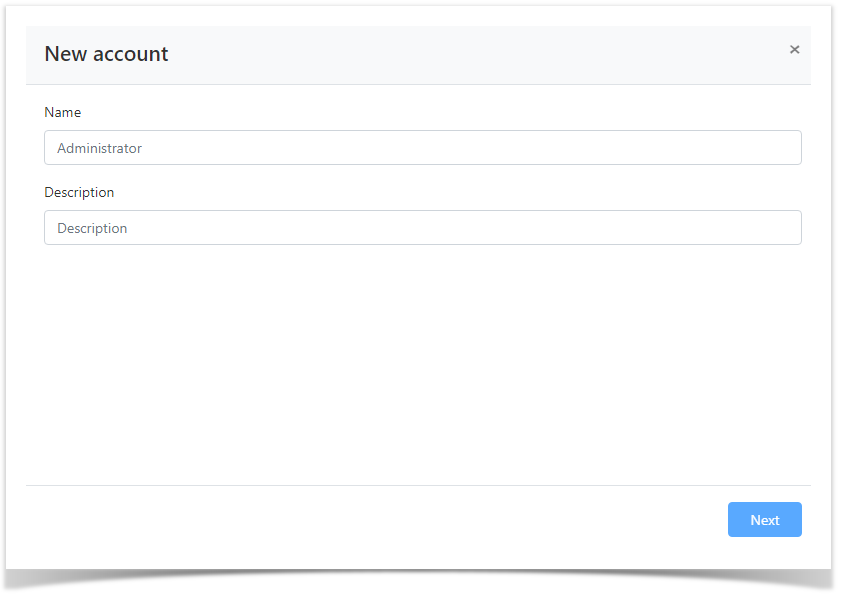
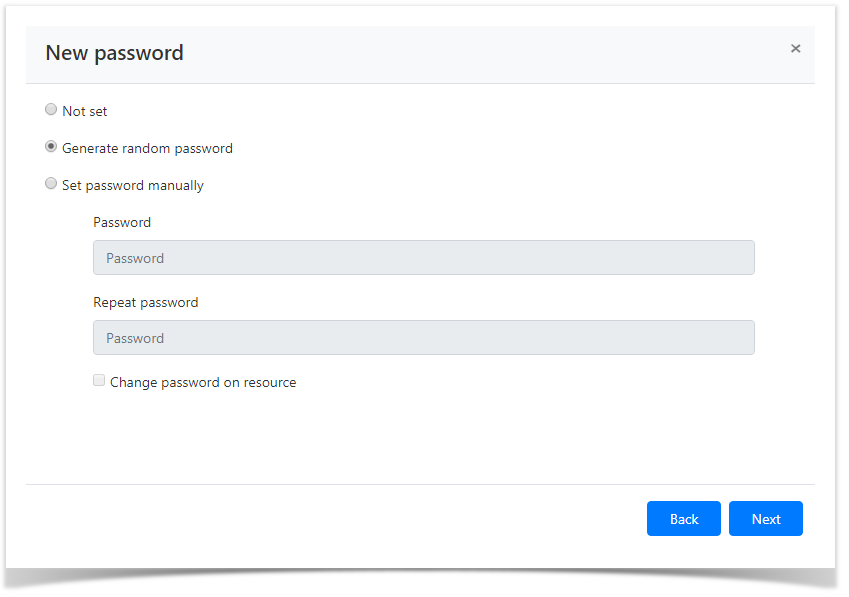
- Select one of the password setting options:
Not set
- Generate random password
Set password manually
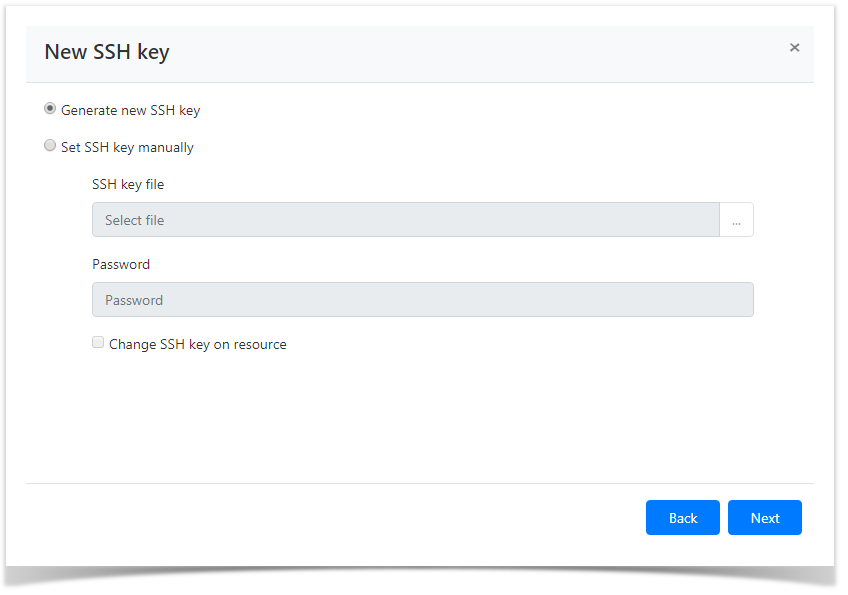
- Select one of the SSH key setting options:
- Generate new SSH key
Set SSH key manually
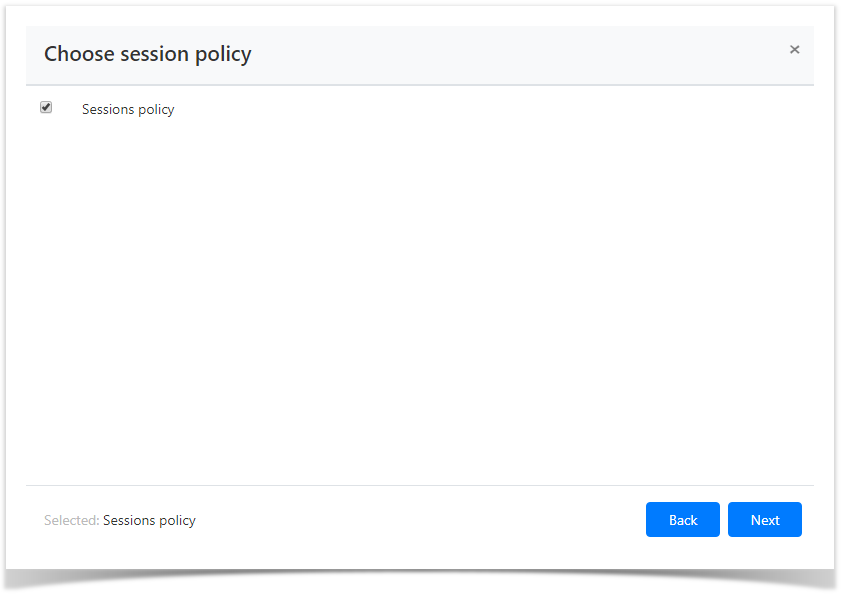
Select the session policy.
Look through the account parameters again and click Save.
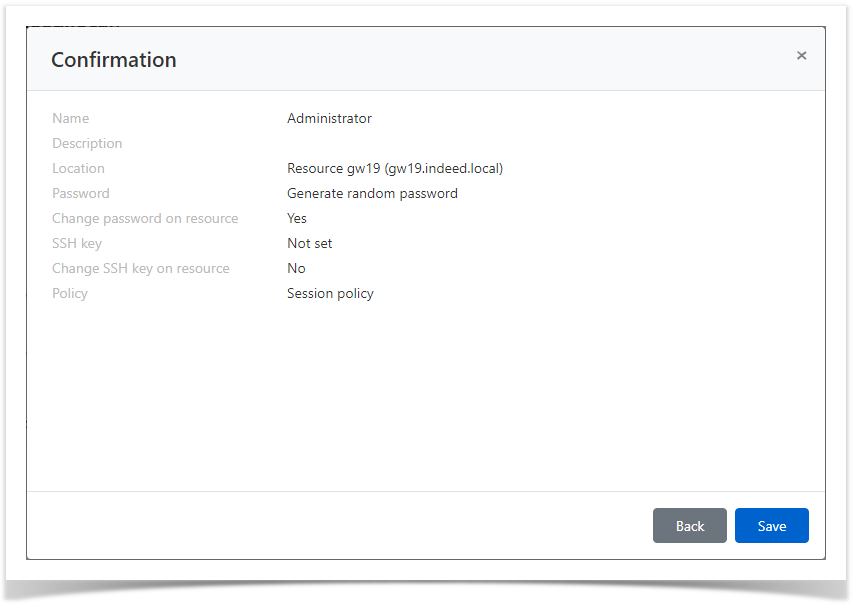
The account is then displayed in the Resource local accounts tab. You can now use it to set permissions.
Account synchronization
- Switch to the Resources section and find the required resource.
- Open the resource profile and click Sync accounts.
Confirm the action by clicking Synchronize.
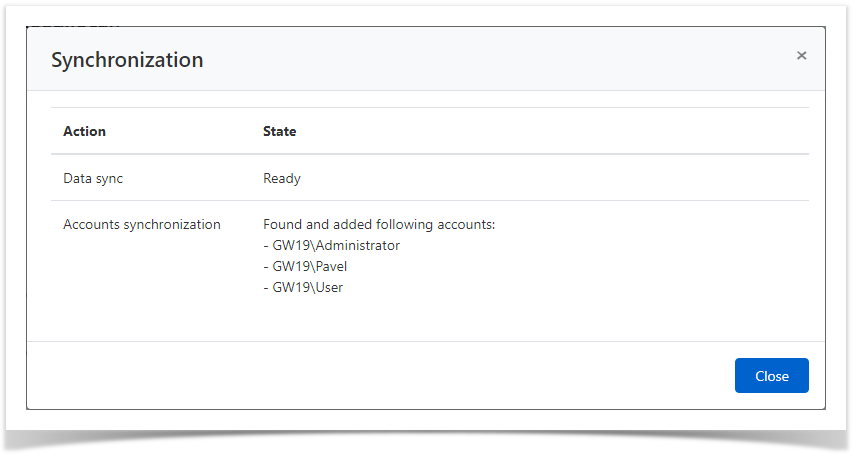
The found accounts are then displayed in the Resource local accounts tab with Pending status ( ). To continue working with accounts, you need to change their status. Changing the status of accounts is described in the section Account states management.