Records of all Axidian AM operations are stored in event logs of each Axidian server.
The following event types are logged within Axidian AM:
- Information
- Error
- Warrning
To open event log, proceed as follows:
- In the left-side navigation bar, select Events.
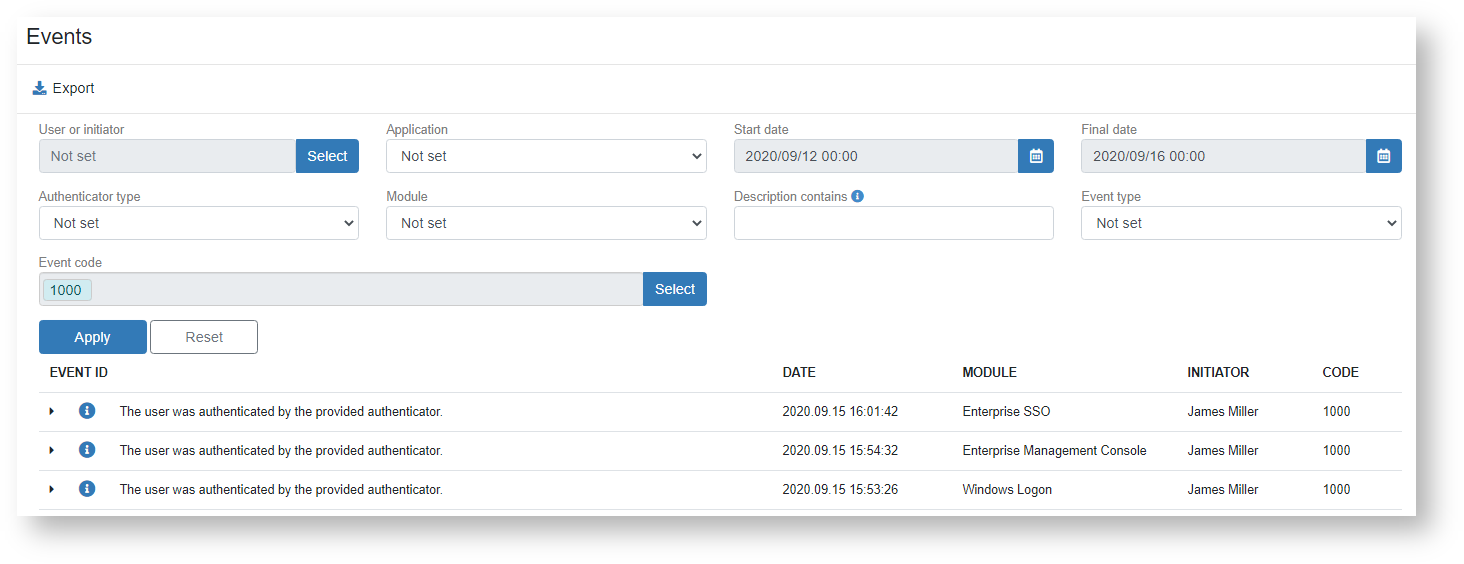
- Use filters to narrow the event search range.
- User / Initiator - this field defines account name (name attribute) that was used to trigger the event.
- Application field allows to filter events by the selected Axidian AM component.
- Start date - Final date - these fields define the time interval to select events within.
- Authenticator type - filter events by the selected Axidian AM authenticator.
- Module - filter events by the selected Axidian AM module.
- Description contains - this field specifies the full value of event attribute (Application, Administrator, Computer etc.).
- Event type field defines the event type: Error, Information, Warning. If “Not defined” variant is selected, then all events fall within the selection.
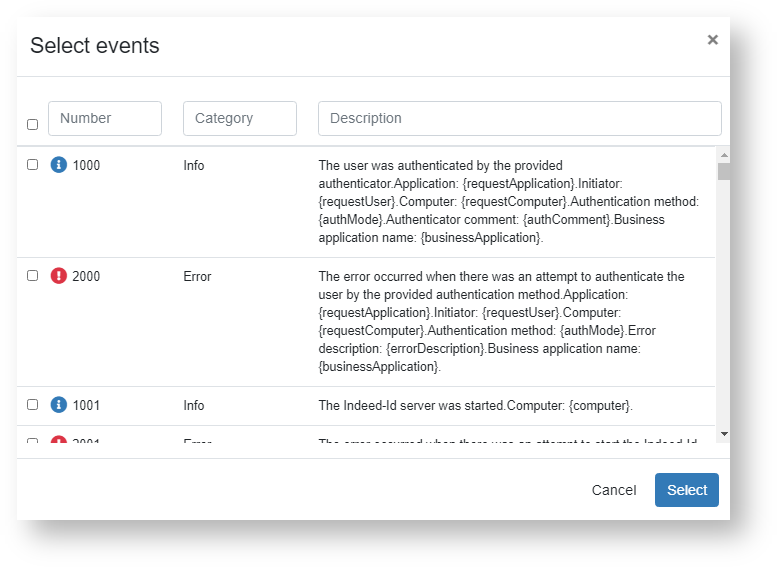
- Event code - this field defines the event ordinal number. The left part of the field contains the button to browse and select the required event.
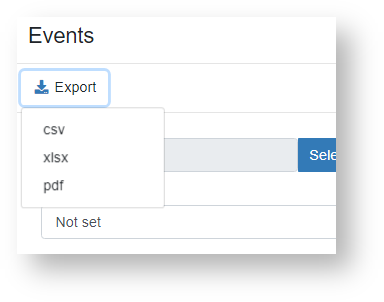
3. To export events, click the icon in the right part of the table header. Events can be exported to csv, xlsx or pdf file.